
Select the model you want to generate your image with.
Remove Blur and Mosaic from Images Free with Bylo.ai’s Censor Remover
Uncensor pictures shared online by automatically removing blur, mosaic, and blocked areas with Bylo.ai’s Censor Remover.
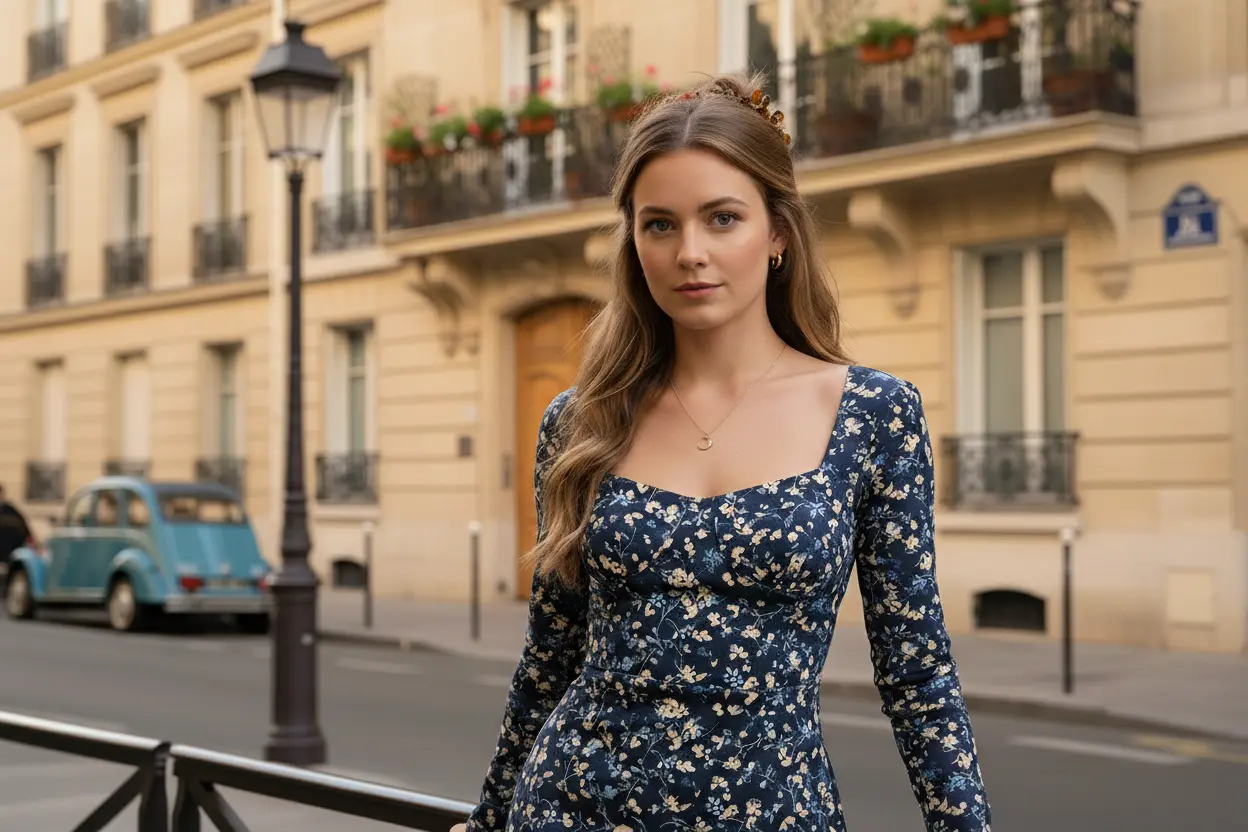
Your Generated Images
How to Remove Censor from Images with Bylo.ai's Free Censor Remover
Follow these simple steps to get started with our platform.
Upload a Censored Image to Get Started
Add the image you want to fix and the process starts right away. Any blur, mosaic, or blocked area in the picture is recognized automatically, so there’s nothing you need to adjust or mark before moving on.
Automatically Uncensor the Picture and Restore Clarity
Once the image is analyzed, censored areas are removed and rebuilt using surrounding visual information. The restored parts blend naturally with the rest of the picture, keeping lighting, texture, and overall appearance consistent.
Download the Uncensored Image When Ready
After reviewing the result, you can download the uncensored image as soon as it looks right. The final output is clean, clear, and ready to use for sharing, saving, or further editing.
Key Features of Bylo.ai’s Censor Remover
Remove Censor from Image Automatically with No Manual Selection
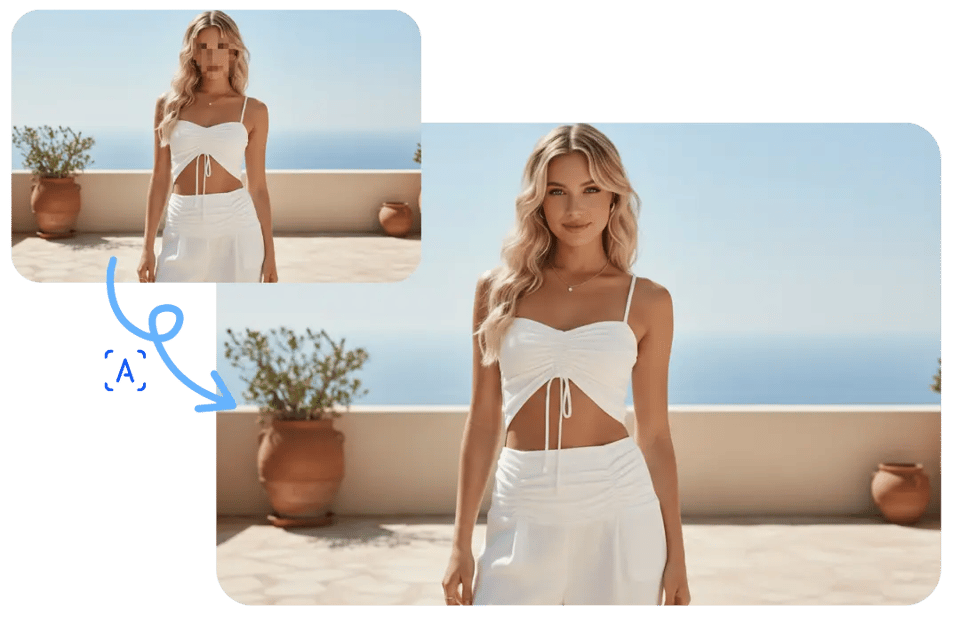
Bylo.ai’s Censor Remover automatically detects censored regions after upload, so remove censor from image tasks don’t require outlining, masking, or any manual selection. The result is a clean uncensor picture workflow that feels straightforward: upload, process, and review.
Real-timOne-Click AI Censor Remover for Fast Uncensor Picture Online
Our Censor Remover is designed for speed with a one-click flow, making it practical when you need to uncensor picture online quickly and move on. Instead of multi-step editing, one action triggers the restore process and delivers a fast, usable result for common censoring patterns.
Free Mosaic Remover to Remove Mosaic and Pixelation from Photos
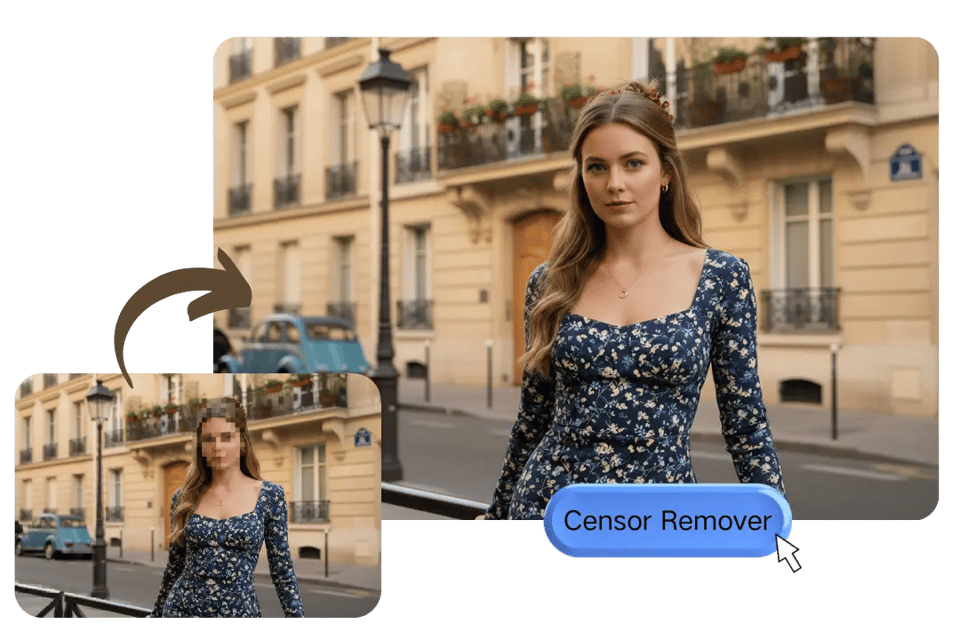
Bylo.ai’s Censor Remover supports removing multiple censor styles in one image, including mosaic, pixelation, blur, and solid blocks, so remove mosaic from picture tasks stay reliable even when censorship varies across regions. As a free mosaic remover entry point on Bylo.ai, it’s easy to test results first before deciding on deeper edits or downloads.
Common Censor Types You Can Remove from Images with Bylo.ai
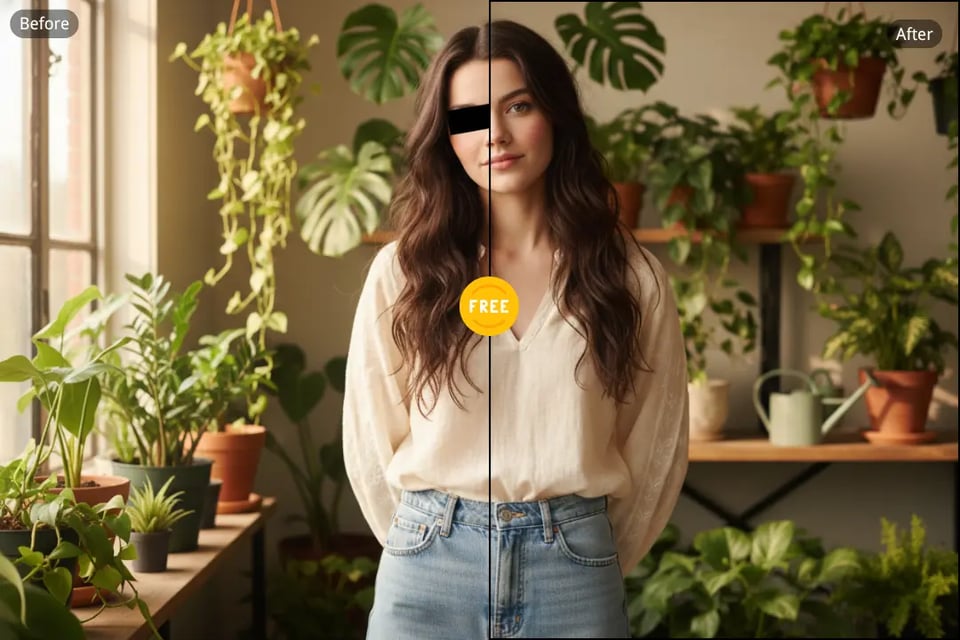
Images are often censored in different ways depending on the subject and usage scenario. From privacy protection to platform restrictions, censoring can appear as blur, mosaic, blocks, or overlays applied to people, objects, or information. Bylo.ai’s Censor Remover is designed to handle these common censor types and remove them automatically, helping uncensor pictures across everyday photos, screenshots, and shared images.
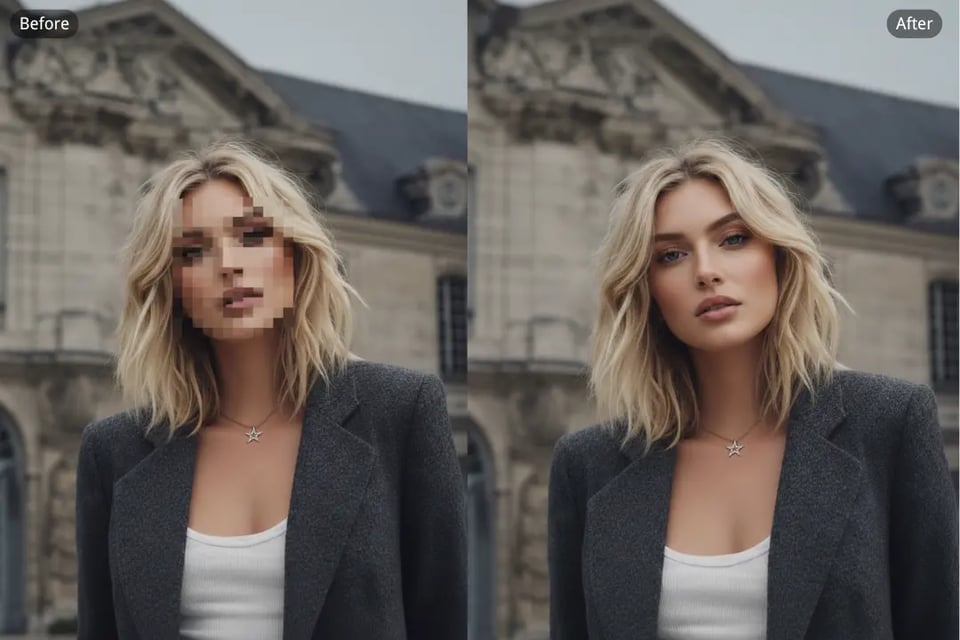
Face Censor on People and Portraits
Faces are frequently censored with blur or mosaic to hide identity. Bylo.ai’s Censor Remover focuses on removing facial censor effects so uncensor picture results restore clearer facial structure while keeping portraits visually natural and balanced.
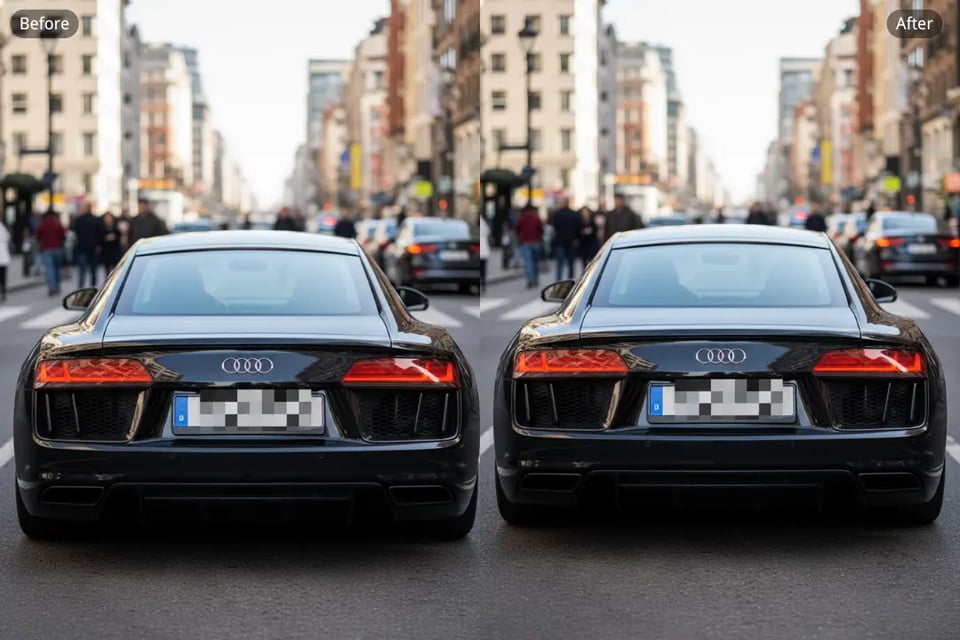
Object Censor on Cars, Signs, and Items
Objects such as license plates, vehicles, screens, or products are often covered using mosaic or solid blocks. Bylo.ai’s Censor Remover removes censor from image regions applied to objects, making hidden visual details easier to recognize.
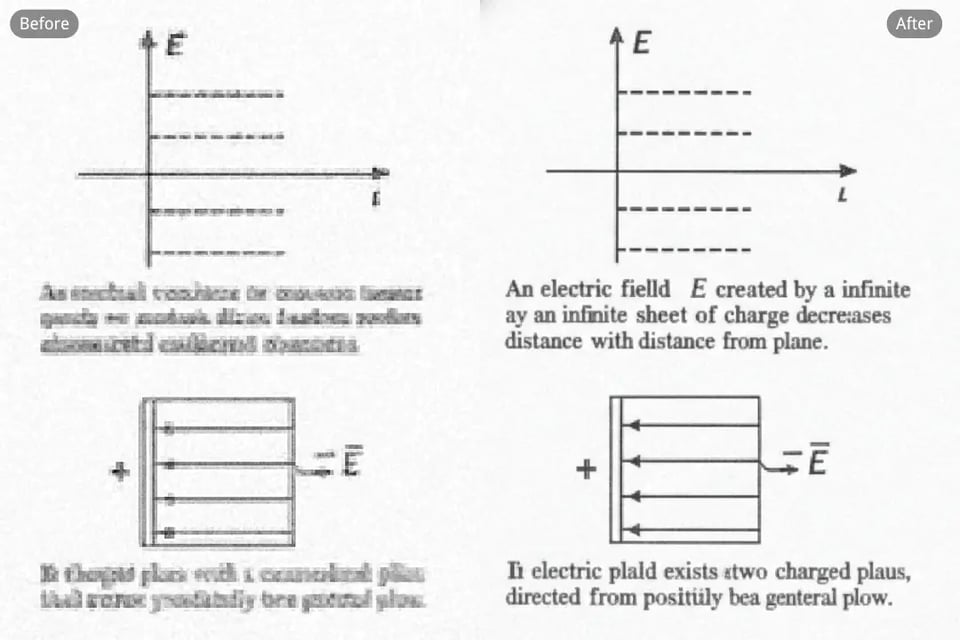
Text and Information Censor in Images
Text, numbers, and labels may be obscured to hide sensitive information. Bylo.ai’s Censor Remover can remove these censor styles and help uncensor pictures where visual information needs to be readable again.
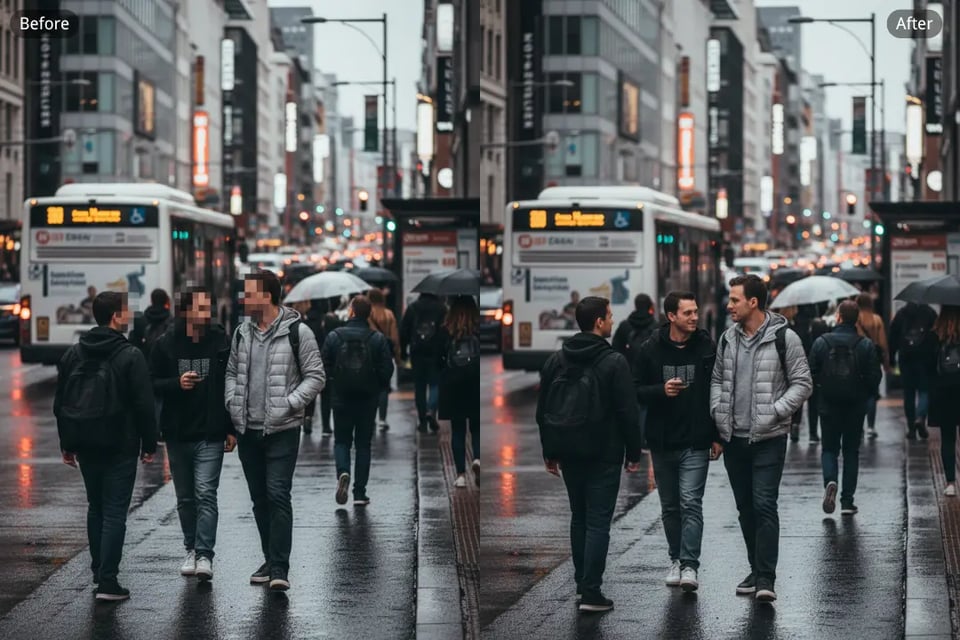
General Blur, Mosaic, and Block Censor Styles
Some images contain mixed censor styles across different areas. Bylo.ai’s Censor Remover supports removing mosaic, pixelation, blur, and solid blocks within the same image for consistent uncensor picture results.
How People Use Bylo.ai’s Censor Remover in Real Situations
I often deal with blurred faces and blocked areas in shared images. Bylo.ai’s Censor Remover makes uncensor picture tasks straightforward, especially when different censor styles appear in the same photo.
Alex Morgan
Content Creator
For quick edits before posting, speed matters. Using Bylo.ai’s Censor Remover feels efficient and predictable, especially when removing mosaic from images without extra steps.
Lina Chen
Social Media Manager
Some client photos come back with heavy blur or pixelation. Bylo.ai’s Censor Remover helps clean those areas and restore visual balance without making the image look over-edited.
Marco Ruiz
Photographer
Product photos are sometimes shared with parts hidden or blocked. Bylo.ai’s Censor Remover helps remove censor from image regions so details are clearer for listings.
Emily Turner
Online Seller
Images involving cars or signs are often censored in different ways. Bylo.ai’s Censor Remover handles these variations well, especially when blur and blocks are mixed.
Daniel Hoffmann
Automotive Blogger
I don’t want to learn editing tools just to fix one picture. Bylo.ai’s Censor Remover keeps the process simple and lets me uncensor pictures quickly when needed.
Sofia Patel
Casual User